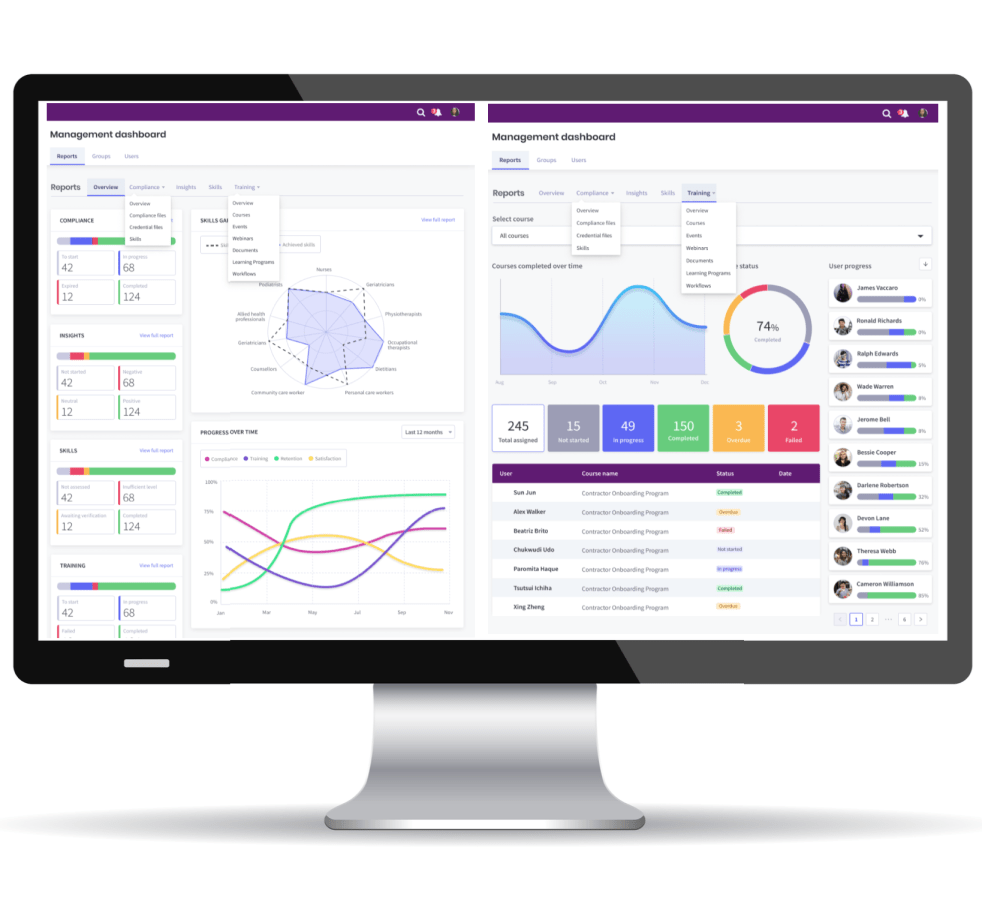
As industry bodies and professional associations strive to enhance the skills and knowledge of their members, integrating effective software solutions for Continuing Professional Development (CPD) has become essential. This blog provides a list of functions and tools that should be offered in your CPD software. Use this information as a checklist to select the software you need to deliver CPD effectively with automated processes and personalised CPD programs for your members.
Key Features of CPD Software
1. User-Friendly CPD Interface
Intuitive Design: Ensure that the software is easy to navigate for all users, including those who may not be tech-savvy.
Mobile Accessibility: Consider mobile-friendly options to allow members to access CPD resources on-the-go.
2. Comprehensive CPD Course Management
Course Creation Tools: Your CPD software should allow for the easy creation and management of courses, including uploading materials like videos, documents, and quizzes.
SCORM Compatibility: The software should be SCORM compliant to ensure existing courses can be imported or accessed via SCORM Cloud and tracked inside the CPD Portal.
3. CPD Webinar and Events Management
CPD Webinar Management Tools: The software application should integrate with Microsoft Teams, Zoom and GoToMeeting to deliver your CPD online sessions and offer complete management tools.
CPD Face-to Face Events Management: You need modules to publish your CPD events with automated registration, waitlisting, tracking, CPD certificates and eCommerce options.
4. CPD Annual Targets and Professional Profiles
CPD Groups and CPD Targets: The software solution should publish your CPD member groups and deliver annual CPD targets for job roles and compliance frameworks.
CPD Professional Profiles: It is essential that the application should deliver professional profiles, CPD Training Records and Wallets that record their CPD completion data and certificates.
5. Customisation and Personalisation
Personalised Learning Paths: Allow members to customize their learning experiences based on their professional needs and interests.
Recommendations: Use algorithms to suggest relevant courses and resources based on members’ profiles.
6. CPD Reporting and Analytics
Data Insights: Provide analytics on member engagement, course, events and webinars completion rates, and feedback to help improve CPD offerings.
Certification Tracking: You will need inbuilt modules to generate CPD certificates upon course, event and webinar completion, and these can be stored and tracked in members’ profiles.
7. Integration Capabilities
Compatibility with Existing Systems: Ensure the mobile based application can integrate with existing membership databases and learning management systems (LMS).
API Access: Offer SAML SSO (Single Sign-On), API access, Zapier and an App Store for advanced users who may want to customize integrations further.
8. Communication Tools
Forums and Discussion Boards: Incorporate features that allow members to engage with each other and share insights or questions. Allow Managers to mentor your members in groups.
Notifications and Reminders: Enable automated notifications for upcoming courses, events, webinars and learning plans with reminders for overdue member file uploads.
9. Compliance and Accreditation
Regulatory Compliance: Ensure that the software meets industry standards & regulations for CPD. Ensure the software company is ISO 27001 certified (information Security Management)
Accreditation Management: Allow for easy management of accredited courses and the ability to report compliance to relevant authorities.
10. Local Branding and Design
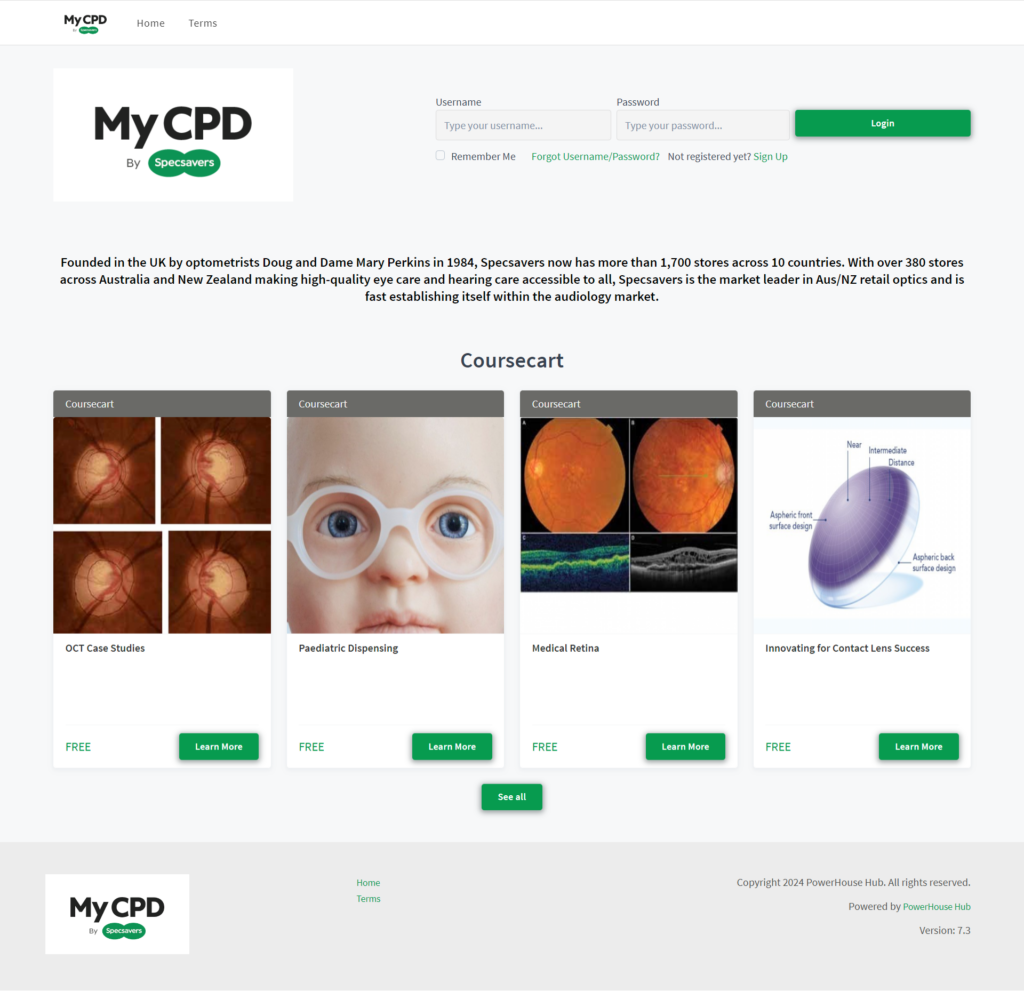
Logos and Design Management: Make sure that the software allows customers to feature their logos, designs and stylesheets on the CPD portal, user dashboards and certificates.
Offer access to members and non-members: Allow for easy management of customised login pages to offer member and non-member login and automated self-registration.
11. eCommerce Management
Management of eCommerce Gateways: Offer automated eCommerce capability to provide the option to market and sell registration to CPD courses, CPD webinars and CPD events.
Automated Registration: Ensure the software can deliver automated registration to CPD eLearning activities and waitlisting management of face-to-face CPD training events.
Considerations for Licensing CPD Software
1. Cost vs. Value
Budget Considerations: Evaluate the costs against the value provided, ensuring that the software enhances the overall CPD experience for members.
Long-term Investment: Consider the longevity of the software and its ability to adapt to future needs.
2. Affordability of Solution
Option to charge non-members for CPD: Exercise the option to provide CPD as a free service to your members and offering the CPD to non-members on a paid basis. Promotes the conversion of non-members to members by offering CPD benefits.
Add marketing banners to your CPD portal: Offset the cost of your license fees by offering paid marketing banners to your partners on login and member pages. Add web pages to your portal to promote your partners for a fee.
3. Support and Training
Customer Support: Ensure that the software provider offers robust customer support for troubleshooting and guidance.
Training Resources: Provide training sessions for staff and members to maximize the use of the software.
4. Security and Privacy
Data Protection: Verify that the software complies with data protection regulations to safeguard member information. Includes local legislation, GDPR and data sovereignty.
User Authentication: Implement secure login processes to protect user accounts.
Conclusion
Investing in the right CPD software is crucial for industry bodies and professional associations looking to provide valuable educational experiences for their members. By focusing on user experience, course management, reporting capabilities, and compliance, organizations can significantly enhance the effectiveness of their CPD offerings.
By prioritizing these key features and considerations, industry bodies and professional associations can ensure they deliver effective and engaging CPD programs that benefit their members.
About the author: Tony Carrucan CEO of PowerHouse Hub. PowerHouse Hub is a leading provider of SaaS software solutions specializing in CPD training, compliance, and mobile workforce platforms.
Discover more about our CPD Platform: https://powerhousehub.com/cpd/